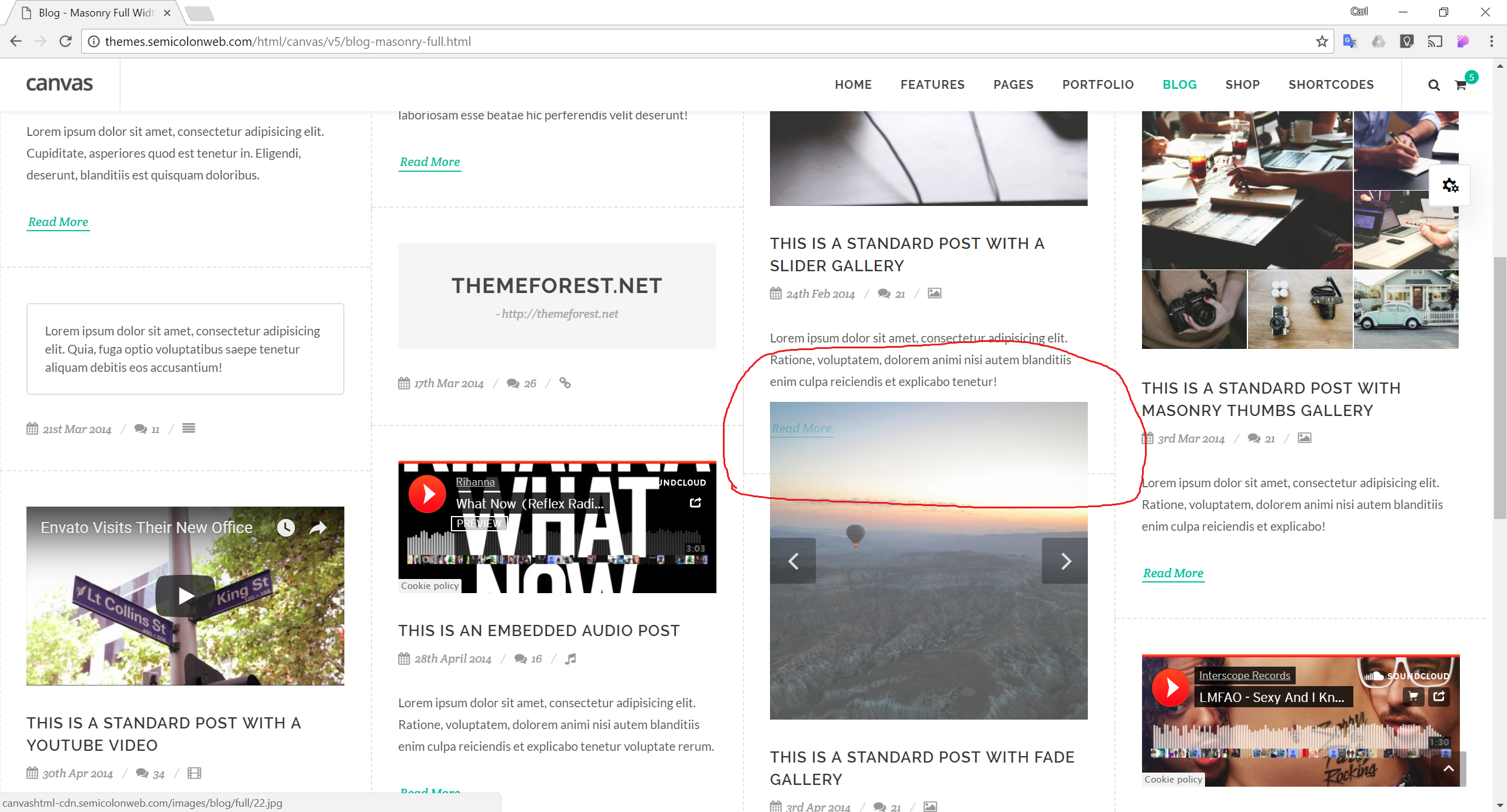
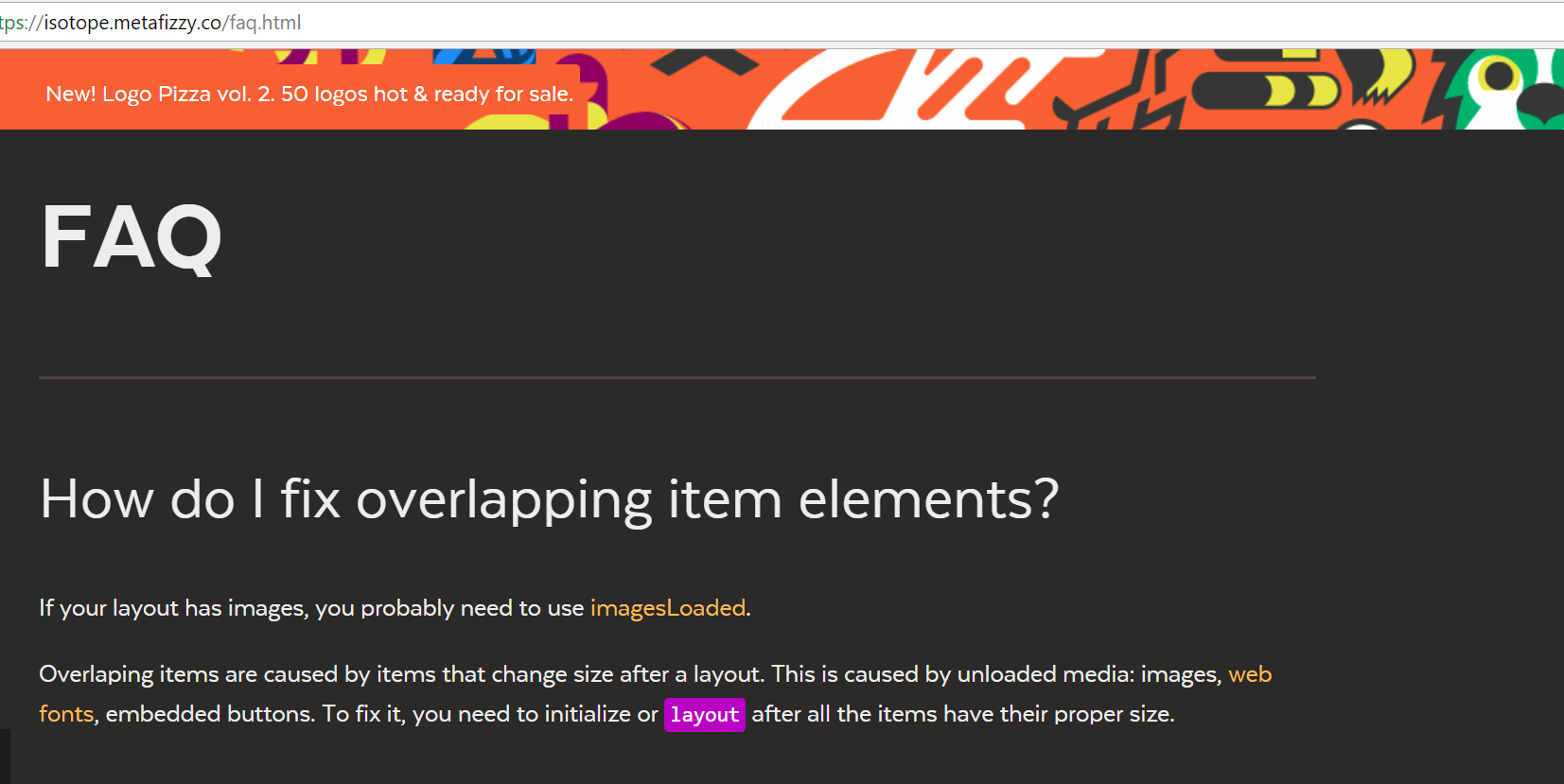
please help fix isotope layout problem on blog masonry. as seen in demo theme

5 replies · opened Feb 4, 2018

CcarlfarringtonFeb 4, 2018

I posted the wrong image url there. When I try to edit my post it says "You do not have a License for please help fix isotope layout problem on blog masonry. as seen in demo theme to Create a New Topic. Please Purchase or Renew License."

!

anyway here is the screenshot again:

attachment

CcarlfarringtonFeb 4, 2018

Actually, the problem is with any div that grows.

So if you have the twitter widget, and it changes from a small to a large tweet, the twitter box grows into the box below. The box below never moves out of the way.

the same for the Gallery. If the second image is taller than the first one that was there when isotope did the layout, then the div grows for the larger image, but isotope isn't moving the box below, so you get the problem like above.

I am new to this stuff so please can you say how to fix it?

attachment

CcarlfarringtonFeb 4, 2018

I put this at the end of the page... It's a start anyway

	
	$(".entry").on('webkitTransitionEnd otransitionend oTransitionEnd msTransitionEnd transitionend',   
    	function() {
    	$(posts).isotope('layout')
  		});
	
SSemicolon WebSTAFFFeb 7, 2018

Hello,

Thanks for reporting this to us! Please find the following code in the js/functions.js File:

after: function(){
	if( $('.grid-container').hasClass('portfolio-full') ) {
		$('.grid-container.portfolio-full').isotope('layout');
		SEMICOLON.portfolio.portfolioDescMargin();
	}
}

and replace it with:

after: function(){
	if( $('.grid-container').hasClass('portfolio-full') ) {
		$('.grid-container.portfolio-full').isotope('layout');
		SEMICOLON.portfolio.portfolioDescMargin();
	}
	if( $('.post-grid').hasClass('post-masonry-full') ) {
		$('.post-grid.post-masonry-full').isotope('layout');
	}
}

This will definitely work fine. Hope this Helps!

Let us know if we can help you with anything else or if you find any further issues.

Have the same question, or something new?

Sign in to the Canvas dashboard to reply or open your own topic. Canvas owners get direct help from the SemiColonWeb team.

Reply on the dashboard